Rebuilding the Kublet with Claude Code
Last year I wrote about my disappointment with the Kublet Kickstarter, a $150,000 campaign that shipped nice hardware with software that never lived up to its promise. My three Kublets had been sitting in a drawer ever since. This past week, I pulled them out and, with the help of Claude Code and the new Opus 4.6 model, turned them into the devices I originally backed.
From paperweight to project
The Kublet hardware is fine. It’s a compact ESP32 with a 240x240 LCD, WiFi, and a single button. The software is what let it down. The official app store had almost nothing in it, the companion app didn’t do much, and the developer tools barely worked.
I forked Kublet’s community repo, stripped out the broken tooling, and started building. The original repo shipped with four bare-bones example apps. Over the course of a week, Claude Code helped me build 20+ new ones on top of that. It was supposed to be a weekend project but I kept going because it was fun.
The tooling problem (and fix)
The original Kublet developer experience relied on krate, a proprietary CLI that barely worked and is no longer maintained. The official docs point to dead links. Before I could build any apps, I needed a way to actually compile and deploy code to the device.
Claude Code helped me build a replacement dev tool in Python that handles the full lifecycle. It does initial USB flashing with WiFi credentials baked into NVS, PlatformIO builds with the correct TFT_eSPI pin configuration, and wireless OTA deployment so I don’t have to keep plugging in cables.
./tools/dev init              # One-time USB flash + WiFi setup
./tools/dev build <app>       # Compile an app
./tools/dev deploy <app>      # Build and OTA deploy
./tools/dev logs              # Stream serial logs
Getting the display configuration right was one of those things that would have taken me hours of digging through forums. The Kublet uses an ST7789 display on specific SPI pins with a 40 MHz clock, and none of this was documented. Claude Code helped me trace through the original firmware, figure out the pin mapping, and wire it into the PlatformIO build so it “just works” for every app.
The apps
Each app is a self-contained PlatformIO project that compiles to a firmware image deployed over WiFi. Here are some of them (the full list is in the repo):
Stock Ticker
Weather
Hacker News
Clock
Music

Notifications
Aquarium
Matrix

DVD Screensaver
Snake
Astro
Badgers
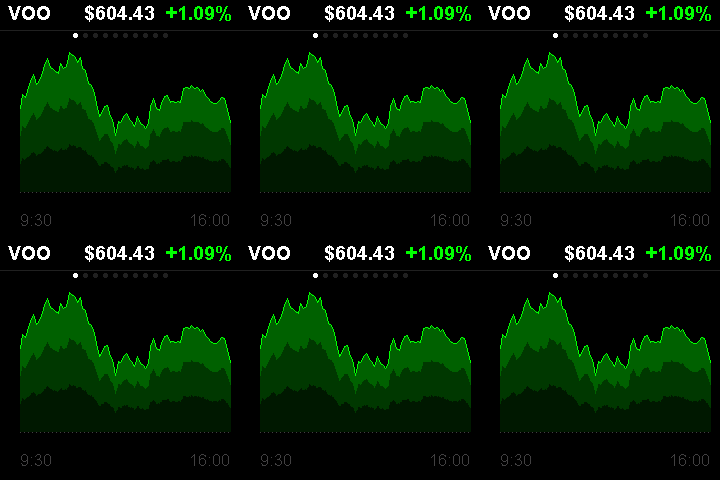
Stock Ticker – Tracks 10 symbols (VOO, AAPL, NVDA, BTC-USD, etc.) with intraday sparkline charts, refreshing every 5 minutes. This is what I originally backed the Kublet for.
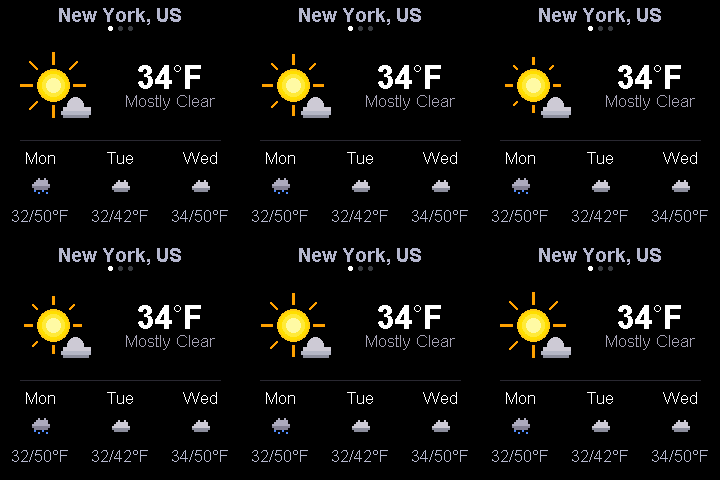
Weather – Current conditions plus a 3-day forecast with animated weather icons. Uses the Open-Meteo API so no API key needed. Cycles through three saved locations.
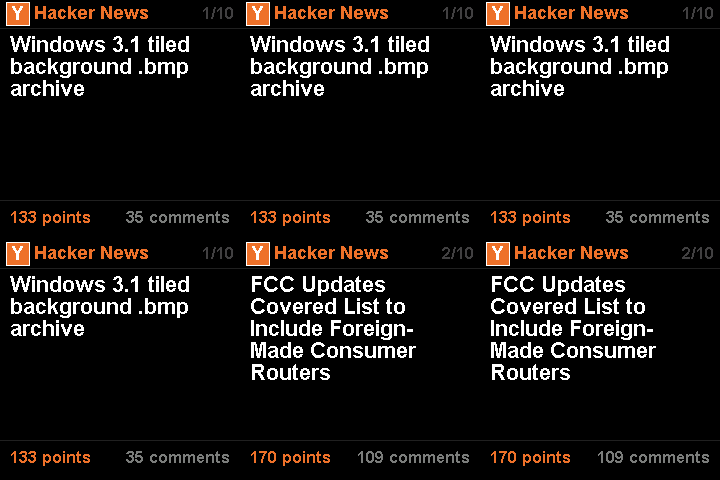
Hacker News – Displays the top 10 stories with scores and comment counts, auto-cycling every 30 seconds.
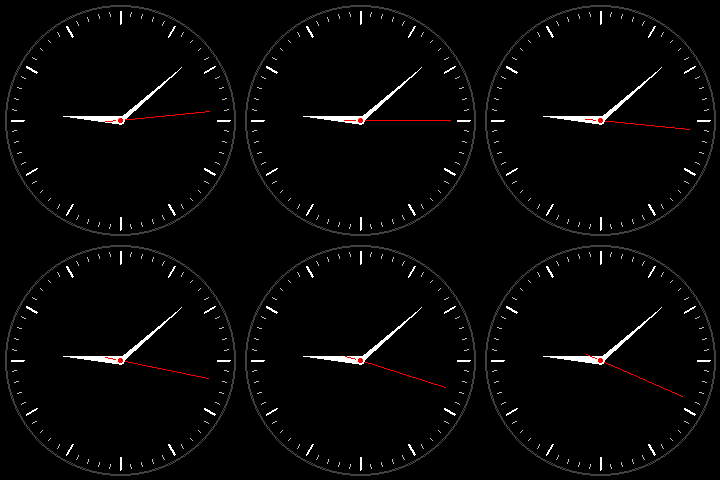
Clock – Analog clock, NTP-synced, with smooth sweeping hands and proper hour markers.
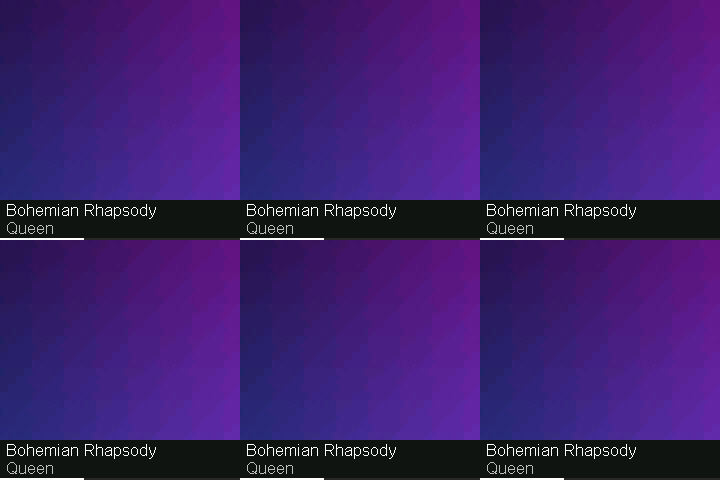
Music – Shows what’s currently playing in Apple Music with album artwork rendered as a 240x240 JPEG, track name, artist, and elapsed time. A small Python server on my Mac polls Music.app via AppleScript and serves the data over the local network.
Notifications – Mirrors macOS notifications from iMessage, Slack, Discord, Mail, and Calendar to the Kublet in real time. This one alone justified pulling the devices out of the drawer.
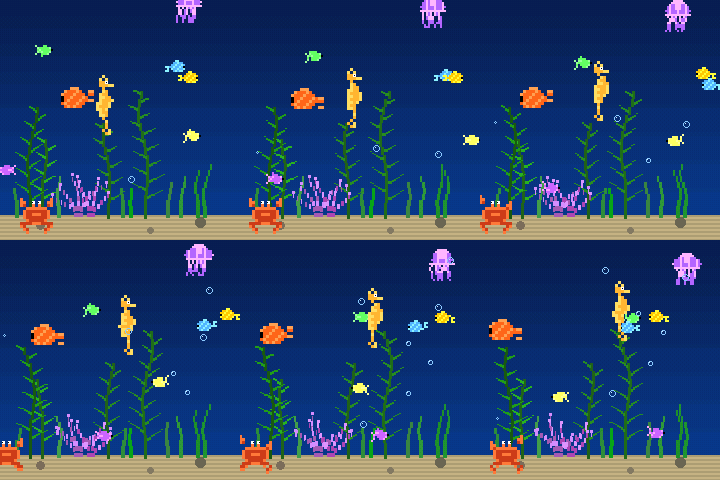
Aquarium – An animated underwater scene with fish, jellyfish, a crab, seahorse, seaweed, and rising bubbles. Three color themes.
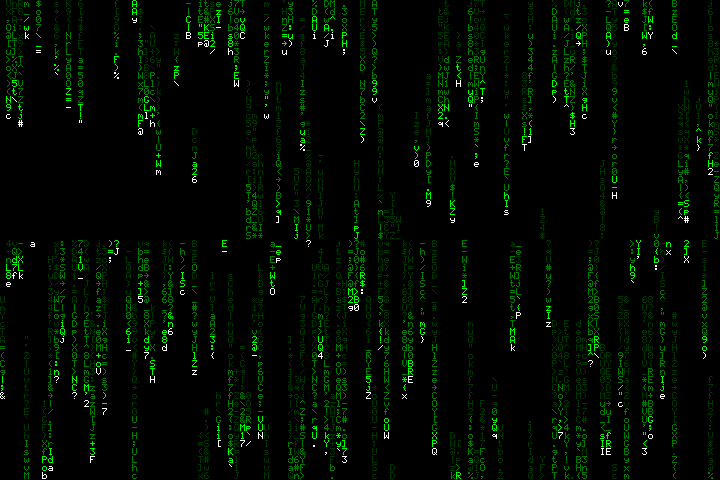
Matrix – Digital rain with 40 falling character columns and glowing trails. Five color themes toggled with the button.
DVD Screensaver – The bouncing DVD logo. It counts corner hits and flashes white when it finally gets one.
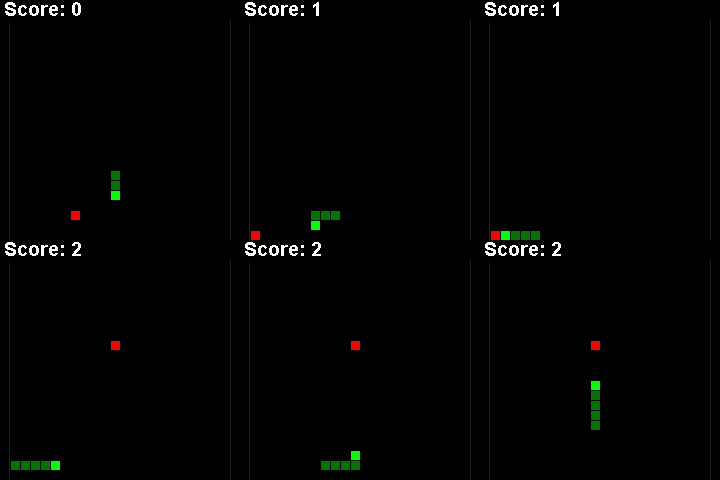
Snake – An “AI”-controlled snake game using A* pathfinding with flood-fill safety checks. It plays itself endlessly.
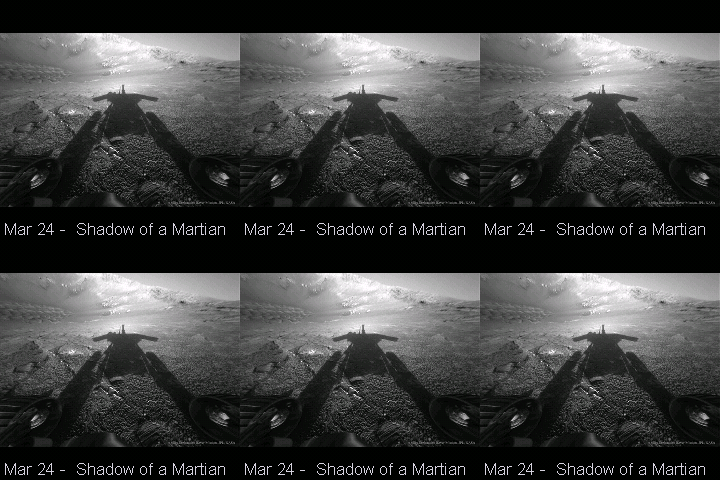
Astro – Pulls NASA’s Astronomy Picture of the Day and cycles through a 30-day archive.
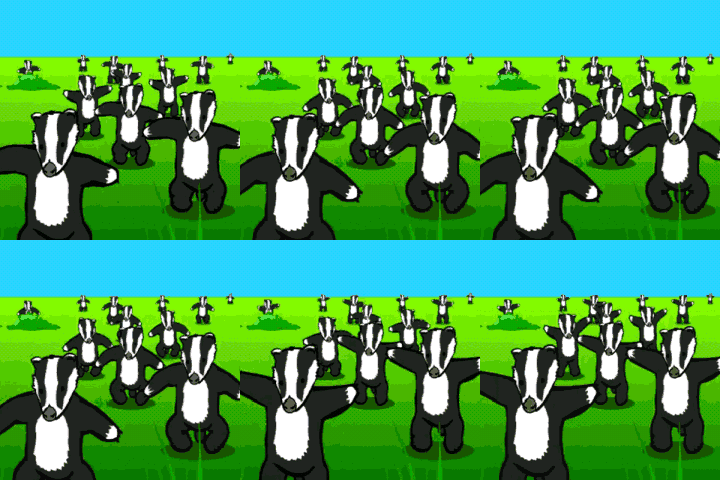
Badgers – My first Kublet app, written a few months ago with much more limited AI help. It plays the Badgers meme. I couldn’t get the GIF rendering smooth until I came back to it with Claude Code.
Working with Claude Code
I used Claude Code with Opus 4.6 for the whole project. I expected it to struggle with ESP32 development, given the constrained environment (320 KB of RAM, no filesystem, no standard library networking), but it consistently produced code that compiled and ran on first deploy. It understood the TFT_eSPI API, ArduinoJson patterns, and the quirks of WiFi on ESP32 without much hand-holding.
The iteration cycle worked well. Describe an app concept, get a working first version, deploy over WiFi, see it on the screen, refine. Most apps went from idea to running on hardware in under an hour. The maze app with its multiple generation and solving algorithms was the most complex and that took maybe two hours.
The music and notification apps were interesting because they required a Python server running on my Mac to bridge between macOS APIs and the ESP32 over HTTP. Claude Code wrote both sides, the AppleScript integration and the server endpoints on the Mac side, and the embedded C++ client code on the ESP32 side.
The graphics work impressed me the most. Apps like the aquarium and matrix rain involve real rendering math that all runs at full frame rate on a tiny microcontroller. The first versions worked out of the box, but it took several iterations to get things like the aquarium to actually look alive. Tuning fish movement, bubble timing, color palettes. Claude Code was good at taking vague feedback like “the fish look robotic” and turning it into better animation code.
How far things have moved
A little over a year ago I wrote about exploring AI coding tools, comparing GitHub Copilot and a local Llama model on a single-file Python problem. My takeaway at the time was that these tools were useful for basic tasks but fell apart when complexity increased, especially across multiple files. I ended that post saying I’d keep writing most of my own code.
This project was nothing like that. Claude Code handled embedded C++ on an ESP32, Python servers bridging macOS APIs, display driver configuration, OTA deployment, and rendering math for animations, all in the same session. It kept context across files and knew when changes in one place needed updates in another. The gap between what AI coding tools could do in early 2025 and what they can do now is significant.
What’s next
The repo is public. If you have a Kublet gathering dust, clone it and try the dev tool. Each app is self-contained and deploys over WiFi in about 30 seconds. I have three Kublets on my desk now: one showing stocks, one showing the weather, and one showing my recent notifications. They’re finally doing what I paid for.
The Kublet is still a cautionary tale about Kickstarter promises, but it’s also proof that good hardware outlasts bad software.